
Click the link below the picture
.
With WiFi calling, you can make or receive calls with your smartphone over a WiFi connection in areas where you have poor cellular signal. It’s supported by most modern smartphones and most carriers, including Verizon, AT&T, and T-Mobile. Of course, you won’t be able to do any of this unless you know how to turn on WiFi calling in the first place.
Once you understand the basics and have enabled WiFi calling on your iPhone or Android phone, you can dig deeper into other important questions like how this technology actually works and if it’s free for international calls.
How does WiFi calling work?
WiFi calling is like a cross between regular cell phone calls and VOIP services like Skype that allow you to make phone calls from your computer. Instead of using a third-party service, your phone call is routed through the internet to your cell provider and then connected over the cellular network to the person you’re calling (or is calling you). This means that it still uses your phone number and your cell provider’s network, rather than a username, email address, or anything else.
The big difference between WiFi calling and regular calling is that it uses your WiFi network, not your mobile data. This means it works well in areas where you have bad cell signal but good WiFi signal, like if you have a satellite internet connection at your rural cabin or just live in a building with an unreliable cell service. WiFi calling won’t help you if you’re out on a hike or otherwise totally off-the-grid, though. And if you have a good mobile data connection at home, you won’t notice much difference.
How to turn on WiFi calling on an iPhone
To enable WiFi calling on an iPhone, go to Settings > Phone > WiFi Calling. If you don’t see the option, it is most likely because your carrier doesn’t support WiFi calling. You may be prompted to enter or confirm your address, so your phone can pass your location on to emergency services if you call them.
All modern iPhones support WiFi calling, although some networks only support the iPhone 6 (released in 2014) and newer. Basically, unless you are using a 10-year-old iPhone that you’ve somehow kept running, your iPhone supports WiFi calling.
.
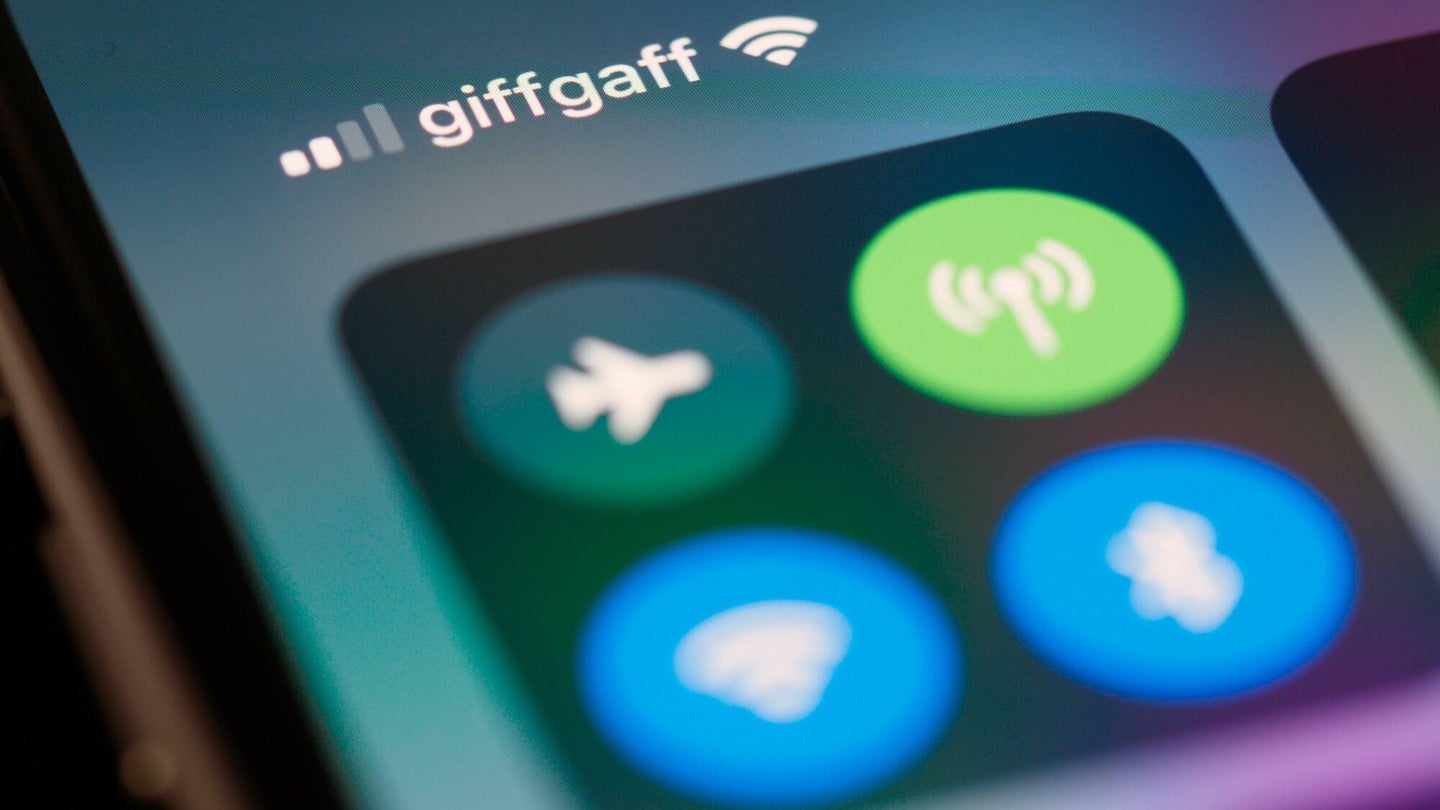 Everything to know about WiFi calling. Brett Jordan / Unsplash
.
.
Click the link below for the article:
.
__________________________________________
 James' World 2
Leave a comment